Business Manager Facebook Where to Access and How to Use It
Business Manager Facebook: Where to Access and How to Use It
In the fast-paced digital marketing landscape, Facebook stands as a titan among social media platforms. Its Business Manager tool is essential for businesses aiming to manage ads, pages, and assets efficiently. This article serves as a comprehensive guide to understanding the Business Manager, where to find it, and how to utilize it for your business’s success.
What is Facebook Business Manager?
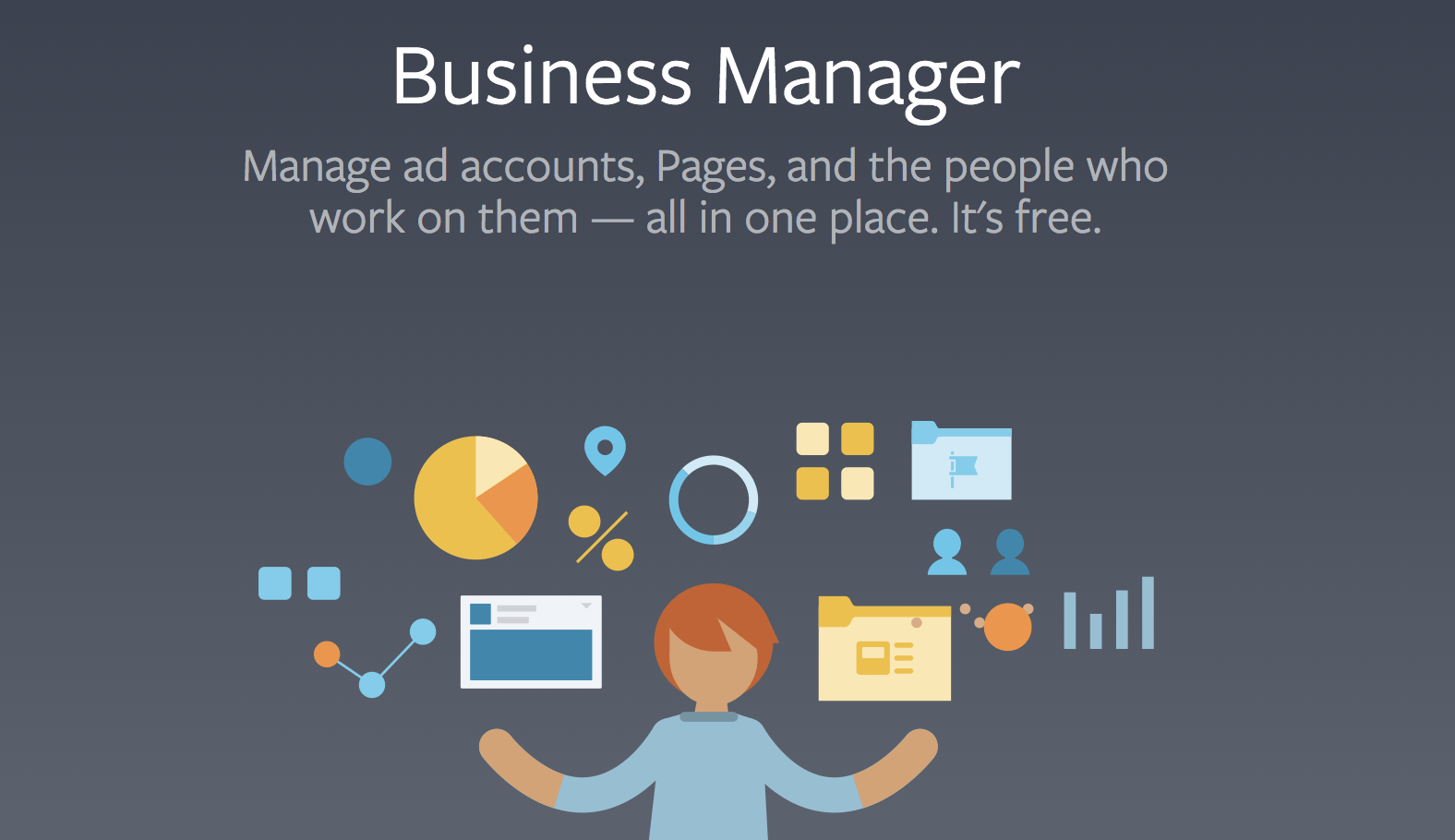
Facebook Business Manager is a powerful platform that allows businesses to manage their Facebook pages, ad accounts, and the people who work on them all in one place. Whether you are a small business owner, a digital marketing agency, or a large corporation, this tool centralizes asset management, making collaboration easier and more effective.
Why Use Facebook Business Manager?
Managing your Facebook presence through Business Manager provides several benefits:
Centralized Control: Manage multiple pages and ad accounts without the need for multiple logins.
Enhanced Security: You can securely manage account access for employees and team members.
Streamlined Workflow: Easily add partners or agencies to your account and assign roles according to project needs.
Improved Reporting: Access detailed insights and analytics that help drive your business decisions.
Where to Access Facebook Business Manager
Finding Facebook Business Manager is straightforward. Follow these steps to access the platform:
Click on the Business Manager option. If you’re already logged in, you’ll be directed to your Business Manager dashboard.
If you don’t have a Business Manager account, you can create one by clicking on Create Account and following the on-screen instructions.
How to Set Up Your Business Manager
Setting up your Business Manager account involves a few simple steps:
Provide Your Business Details: Fill in your business name, your name, and your business email address.
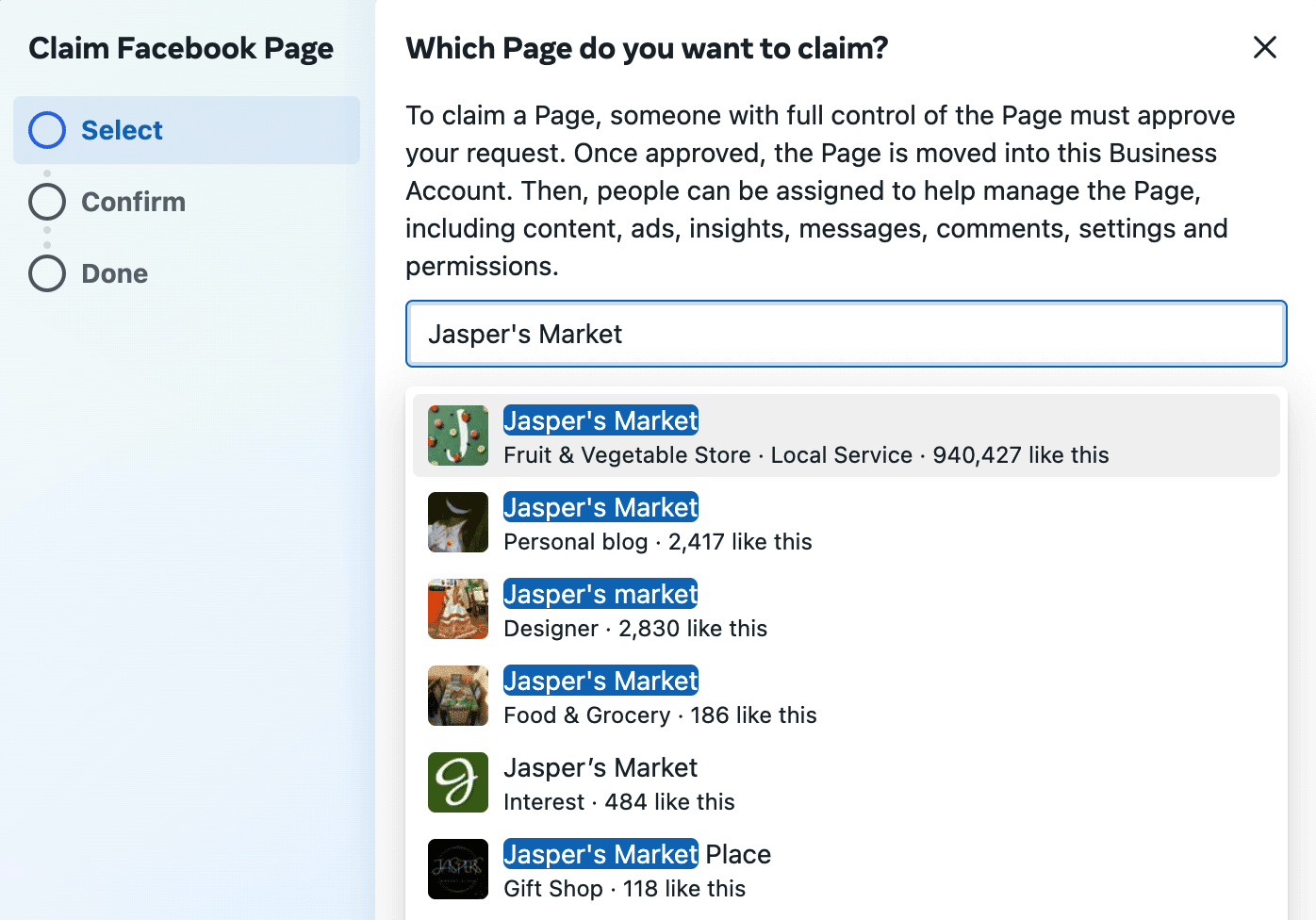
Add Your Pages: Connect your business’s Facebook pages to your Business Manager.
Link Ad Accounts: If you have existing ad accounts, you can add them or create a new one from your Business Manager.
Invite Team Members: Assign roles to your team members, allowing them to collaborate effectively on your business’s Facebook assets.
Navigating the Business Manager Dashboard
The Business Manager dashboard provides various functionalities to help you manage your assets. Here are some key components:
People: Manage users and their permissions, assigning roles like Admin, Employee, or Analyst.
Pages: View and manage all Facebook pages associated with your business.
Ad Accounts: Create and oversee multiple ad accounts, monitor performance, and manage budgets.
Business Settings: Configure account settings, payment methods, and security options.
Best Practices for Using Facebook Business Manager
To make the most of Facebook Business Manager, consider these best practices:
Regularly Update Permissions: Review and update user permissions regularly to maintain security.
Utilize Ads Reporting: Leverage the reporting tools within Business Manager to analyze ad performance and refine your strategies.
Stay Informed on Platform Changes: Facebook regularly updates its algorithms and features; staying informed can help you adapt your strategies accordingly.
Test Variations: Use A/B testing for ads and campaigns to find what resonates most with your audience.
Conclusion
Facebook Business Manager is an indispensable tool for businesses looking to streamline their social media management. By centralizing control over assets, enhancing security, and providing in-depth insights, it empowers businesses to make data-driven decisions. Whether you’re new to Facebook advertising or looking to optimize your existing strategies, understanding how to navigate and use Business Manager is crucial to success. Embrace the power of Business Manager to elevate your Facebook marketing efforts.
For further information, visit the resource here: https://crazyfb.shop/en/page/business-manager-facebook-gde-on-nahoditsya-i-kak-v-nego-voyti

 Facebook
 Linkedin